


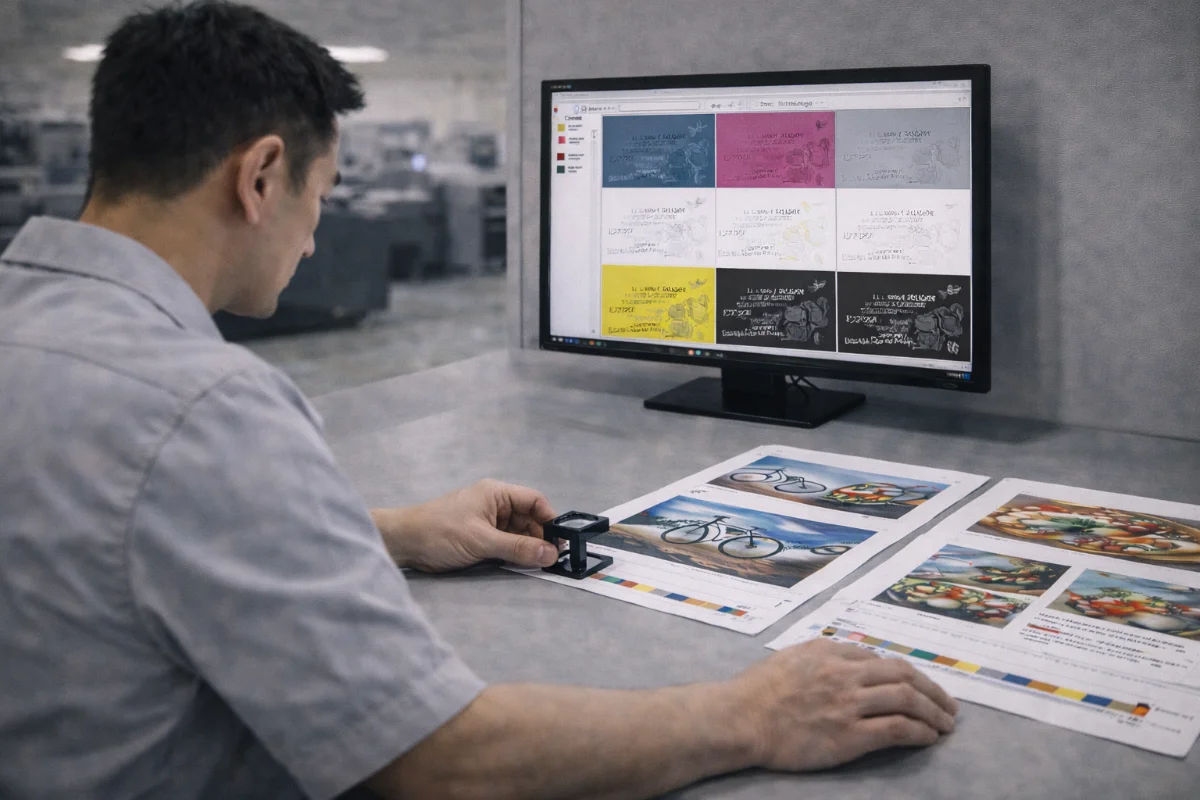
What Overprint and Trapping Are #
Overprint and trapping are technical printing concepts used to manage how colours interact when printed next to or on top of each other.
Overprint determines whether one ink prints on top of another instead of knocking out the colour beneath it.
Trapping creates small overlaps between adjacent colours to prevent thin white gaps that can appear if registration shifts slightly during printing.
Both techniques exist to compensate for natural mechanical variation in production and are especially important for offset printing and colour-critical work.
Why These Techniques Are Necessary #
In multi-colour printing, separate plates or imaging units lay down different inks in sequence. Minor sheet movement, paper stretch, or mechanical vibration can cause slight misalignment.
Without trapping, these shifts can leave visible white lines between colours.
Overprint is often used deliberately to:
-
Avoid registration gaps
-
Maintain sharp text
-
Print black text over coloured backgrounds
-
Create layered visual effects
Understanding when these behaviours are intentional — and when they are accidental — is critical for clean results.
How Overprint Works #
When an object is set to knock out, it removes underlying ink before printing.
When overprint is enabled, the ink prints directly on top of what is beneath it.
Common legitimate uses include:
-
Black text over coloured backgrounds
-
Registration marks
-
Rich black elements
-
Thin strokes that should not knock out
However, accidental overprint can cause colours to disappear or mix unexpectedly.
For example, a white logo set to overprint will not print at all, because white ink is usually represented by the absence of ink.
How Trapping Works #
Trapping slightly enlarges or reduces adjacent colour shapes so that they overlap by a fraction of a millimetre.
This overlap hides potential gaps caused by registration drift.
Trapping is commonly applied:
-
Between coloured shapes
-
Around text on tinted backgrounds
-
On packaging designs
-
On high-contrast edges
Modern workflows often automate trapping, but artwork must still be prepared sensibly to avoid conflicts.
Digital vs Offset Considerations #
Digital presses tend to maintain tighter registration within short runs, so aggressive trapping is often unnecessary.
Offset printing involves more physical stages and longer runs, which increases the importance of controlled trapping and overprint settings.
Nevertheless, both methods rely on correct file setup to avoid surprises.
Common Overprint Mistakes #
Frequent problems include:
-
White objects accidentally set to overprint
-
Logos unintentionally overprinting backgrounds
-
Coloured text knocking out when it should overprint
-
Transparency interactions forcing overprint
-
Flattening errors during PDF export
Always preview separations to detect these issues before submission.
Common Trapping Issues #
Trapping problems can occur when:
-
Artwork relies on hairline borders
-
Shapes meet with no overlap tolerance
-
Very light colours butt against dark colours
-
Small text reverses out of backgrounds
-
Automatic trapping conflicts with manual traps
Designing with thicker strokes and avoiding edge-critical layouts reduces risk.
How to Check Overprint and Trapping in Your Files #
Before uploading artwork:
-
Preview separations in your design software
-
Enable overprint preview
-
Inspect white objects
-
Zoom into colour edges
-
Flatten transparency carefully
-
Use print-ready PDF presets
These steps reveal how inks will interact on press.
When to Leave It to Production #
In many workflows, production teams apply standard trapping during RIP processing.
However, manual traps in artwork may be required for:
-
Packaging
-
Complex vector illustrations
-
Multi-ink spot colour jobs
-
Very tight registration designs
When in doubt, keep artwork clean and allow for tolerance rather than forcing extreme precision.
Best Practices for Designers #
To avoid overprint and trapping problems:
-
Do not set white objects to overprint
-
Use rich black appropriately
-
Avoid hairline rules
-
Leave clearance between colours
-
Use thicker strokes
-
Test PDFs before upload
These practices reduce the risk of unexpected results.
Summary #
Overprint and trapping are essential tools for managing colour interaction and registration variation in commercial printing.
Understanding how they work — and checking files carefully before submission — helps prevent disappearing elements, colour mixing issues, and white gaps in finished prints.


