


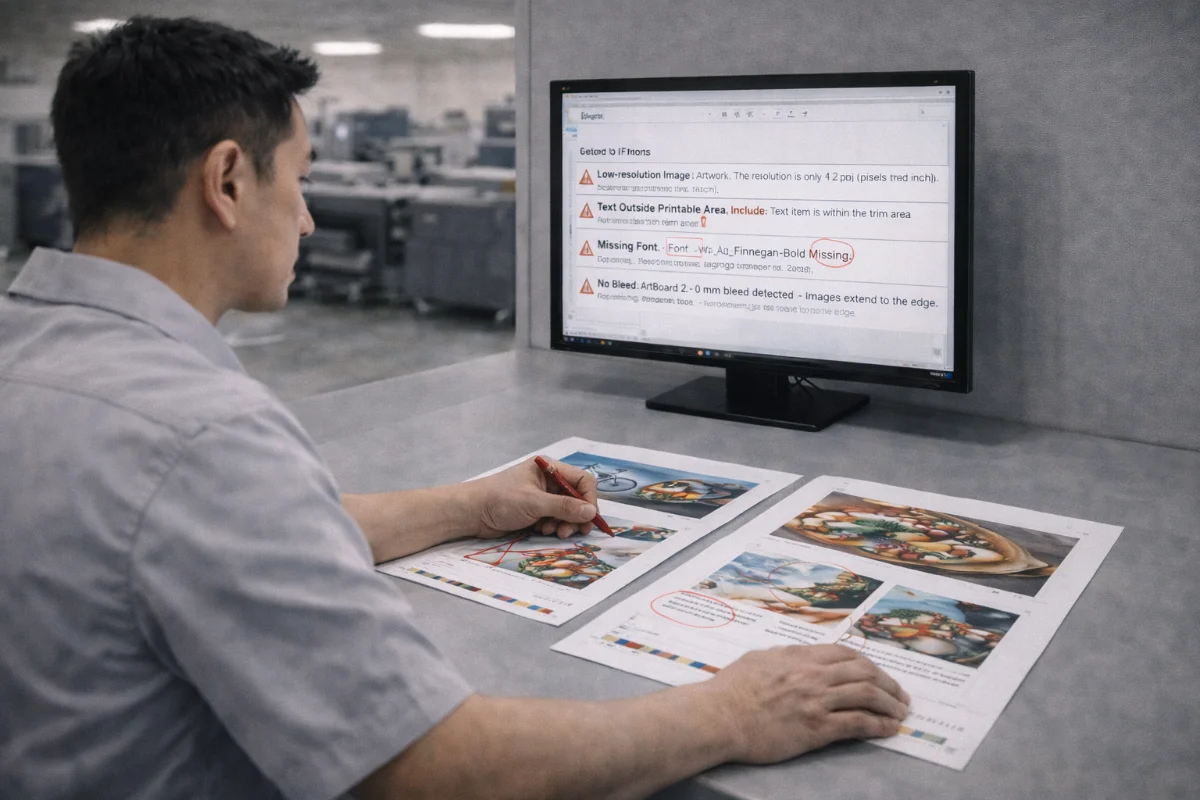
Why Print Files Are Rejected #
Artwork files are rejected when they do not meet production requirements or would likely cause quality problems if printed as-is. Rejection protects customers from costly reprints and production delays.
Most issues are technical rather than design-related and can be resolved quickly once identified.
Understanding the most common causes helps designers prepare print-ready files the first time.
Missing or Insufficient Bleed #
One of the top reasons for rejection is missing bleed.
Fix:
-
Extend background images beyond the trim line
-
Follow product-specific bleed requirements
-
Export PDFs with bleed included
Text Too Close to Trim Edges #
Critical elements placed near edges risk being cut off.
Fix:
-
Move text inside safe margins
-
Avoid thin borders near edges
-
Allow extra clearance near folds
Incorrect Colour Mode #
Files supplied in RGB can lead to unexpected colour shifts.
Fix:
-
Convert artwork to CMYK
-
Use proper ICC profiles
-
Avoid last-minute conversions
Low-Resolution Images #
Images below recommended resolution may appear blurry.
Fix:
-
Use high-resolution images
-
Avoid scaling up small files
-
Check effective DPI in layout software
Missing or Unembedded Fonts #
Fonts that are not embedded may substitute unexpectedly.
Fix:
-
Embed fonts in PDFs
-
Outline logos
-
Check font status before upload
Incorrect Document Size #
Files that do not match ordered dimensions cause trimming issues.
Fix:
-
Match canvas size to final trim
-
Add bleed separately
-
Use templates
Improper Spot Colour or Finishing Layers #
Spot UV, die-cut, or foil layers must be separated correctly.
Fix:
-
Create separate vector layers
-
Name spot colours clearly
-
Avoid rasterising finishing masks
Transparency and Overprint Errors #
Unflattened transparency or unintended overprint can cause unexpected results.
Fix:
-
Preview separations
-
Flatten transparency when exporting
-
Test overprint settings
Embedded Profiles or Rich Black Problems #
Incorrect colour builds can cause muddy blacks or colour casts.
Fix:
-
Use appropriate black builds
-
Avoid over-inking
-
Follow profile guidelines
Multi-Page Ordering Errors #
Incorrect page order or missing pages delay production.
Fix:
-
Double-check pagination
-
Export complete documents
-
Include blank pages if required
How to Preflight Before Upload #
Before submitting files:
-
Run built-in preflight tools
-
Check document properties
-
Review separations
-
Zoom to trim edges
-
Confirm bleed boxes
-
Proofread carefully
Summary #
Most print file rejections stem from technical setup issues rather than creative problems.
Checking bleed, resolution, colour mode, fonts, and finishing layers before upload prevents delays and ensures smooth production.


