
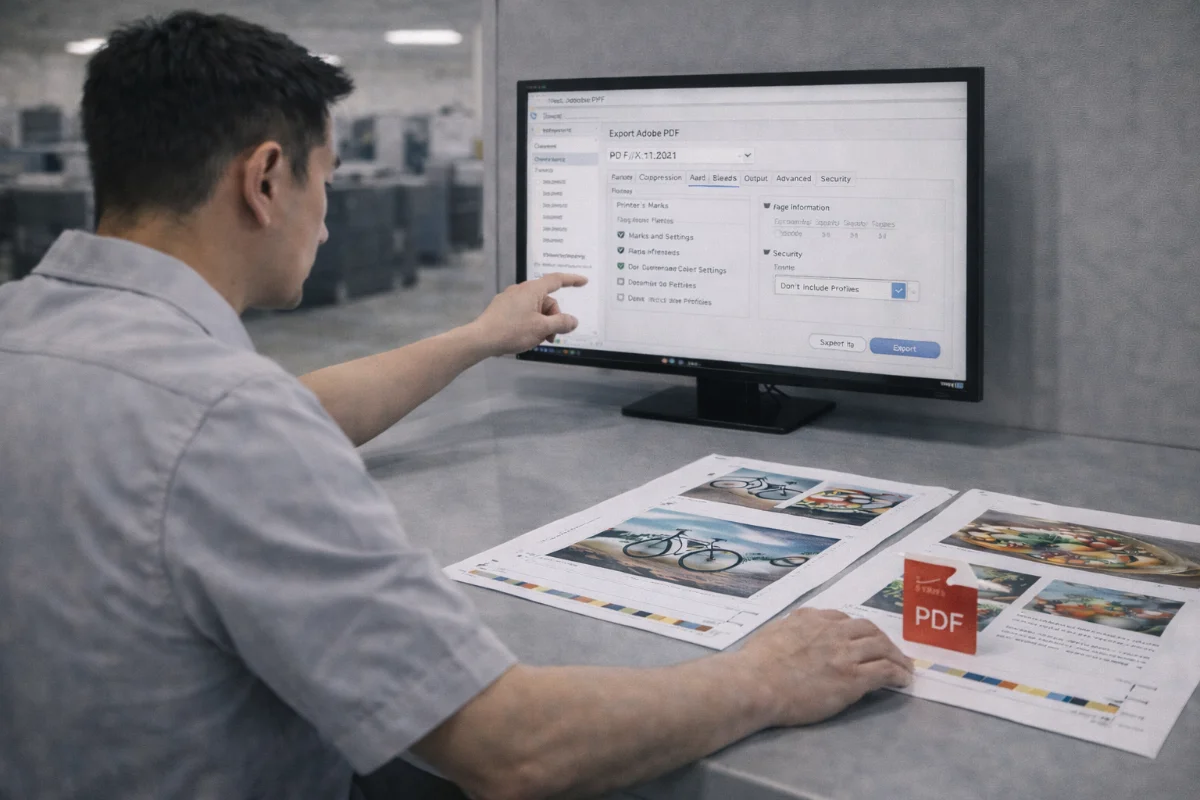
Why PDF Is the Preferred Print Format #
PDF is the industry-standard format for commercial printing because it preserves layout, typography, images, and colour intent across different systems. A correctly exported PDF reduces the risk of missing fonts, reflowed text, low-resolution images, and unexpected colour changes.
Most production delays caused by artwork are not design-related — they result from incorrect export settings. Understanding how to generate a print-ready PDF helps ensure files move smoothly through preflight and into production.
Use a Print-Specific PDF Preset #
Design software usually includes export presets intended for commercial printing. These presets apply common technical requirements automatically.
Look for presets that:
-
Preserve high-resolution images
-
Embed fonts
-
Include bleed and trim marks
-
Maintain colour profiles
-
Avoid unnecessary downsampling
Generic “small file size” or “web” presets should never be used for print.
Image Resolution and Compression #
Images must retain sufficient resolution at final size.
Typical requirements include:
-
Photographs: high-resolution at output size
-
Line art and logos: vector where possible
-
Avoid excessive compression
-
Do not resample images downward unnecessarily
Lossy compression can introduce artefacts that become visible when printed.
Bleed and Trim Settings #
When exporting:
-
Enable bleed output
-
Ensure bleed matches the document setup
-
Include trim marks only if requested
-
Do not crop artwork to final size
Bleed must appear in the PDF so that backgrounds extend beyond the trim line.
Colour Mode and Profiles #
Artwork should normally be converted to CMYK before export unless otherwise specified.
During export:
-
Preserve ICC profiles
-
Avoid multiple colour conversions
-
Do not force RGB output
-
Maintain spot colour definitions
Incorrect profile handling is a common cause of colour shifts.
Font Embedding and Text Handling #
Fonts must be embedded in the PDF so text renders correctly.
Before exporting:
-
Confirm font licensing allows embedding
-
Avoid font substitution warnings
-
Outline logos if required
-
Do not rasterise text unnecessarily
After export, always check the PDF properties to confirm all fonts are embedded or subset-embedded.
Transparency and Flattening #
Modern PDF standards handle transparency well, but some workflows still require flattening.
If flattening is applied:
-
Use high-resolution settings
-
Avoid converting vector text to raster
-
Inspect gradients and shadows carefully
Flattening errors can introduce visible stitching lines or pixelation.
Choosing the Right PDF Standard #
Many print workflows specify PDF/X standards because they restrict features that can cause problems.
Common options include:
-
PDF/X-1a for older workflows
-
PDF/X-4 for modern colour-managed environments
If unsure, follow the product instructions or upload guidelines.
Spot Colours and Finishing Layers #
For jobs involving special finishes:
-
Keep Spot UV, die-cut, or foil layers separate
-
Name spot colours clearly
-
Use 100% tint for masks unless specified
-
Do not merge finishing layers into CMYK
These elements must remain editable for production systems.
Page Order and Multi-Page Documents #
Before export:
-
Confirm final page count
-
Ensure correct spreads vs single pages
-
Include blank pages if required
-
Avoid exporting printer spreads unless instructed
Incorrect pagination frequently causes production delays.
File Naming and Version Control #
Clear naming prevents confusion:
-
Include job reference numbers
-
Indicate final version
-
Avoid multiple “final-final” files
-
Separate revised uploads clearly
Uploading the wrong version is a common source of rework.
Checklist Before Uploading #
Run through this final list:
-
Correct trim size and bleed
-
High-resolution images
-
CMYK and spot colours correct
-
Fonts embedded
-
No missing links
-
Finishing layers intact
-
Page order verified
-
No warnings during export
Opening the PDF in a viewer and zooming into edges is strongly recommended.
Summary #
Exporting a print-ready PDF is one of the most important steps in artwork preparation. Correct presets, resolution, bleed, colour handling, font embedding, and finishing layers all contribute to smooth production and predictable results.
Checking files carefully before upload reduces revision requests and keeps projects on schedule.


