
What Preflight Means in Printing #
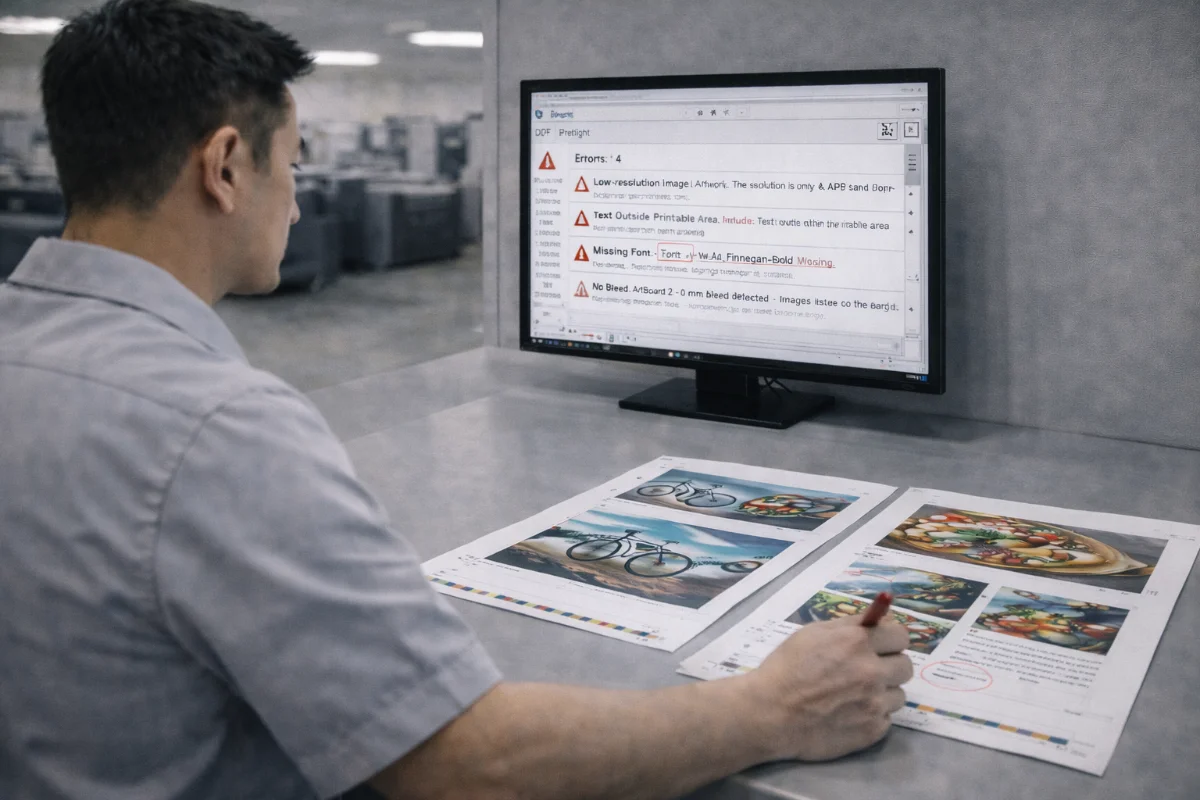
Preflight is the technical inspection of artwork files before they enter production. Its purpose is to identify issues that could cause printing errors, quality problems, or production delays.
Preflight is not about redesigning artwork. It focuses on whether files meet mechanical and technical requirements such as size, resolution, colour setup, and finishing layers.
Understanding what happens during preflight helps designers prepare files correctly and avoid last-minute interruptions.
Automated vs Manual Preflight #
Most workflows combine automated and manual checks.
Automated Preflight #
Software tools scan uploaded files for:
-
Missing fonts
-
Incorrect page sizes
-
Low image resolution
-
Colour space mismatches
-
Transparency issues
-
Overprint settings
-
Missing bleed boxes
These tools catch obvious technical problems quickly.
Manual Preflight #
Production staff review:
-
Trim and bleed setup
-
Safe margins
-
Spot colour naming
-
Die-cut and finishing layers
-
Pagination
-
Black builds
-
Folding alignment
Manual checks account for production realities that software cannot always interpret.
Key Areas Reviewed During Preflight #
Document Size and Bleed #
Files must match the ordered dimensions and include bleed on all sides.
Resolution #
Images must meet minimum DPI requirements at final size.
Colour Mode and Profiles #
Files are checked for CMYK conversion and correct colour profiles.
Fonts and Text #
Fonts must be embedded or outlined, and text should not reflow.
Spot Colours and Finishing Layers #
Special processes must be clearly separated and labelled.
Overprint and Transparency #
These settings are reviewed to avoid unexpected knockouts or colour interactions.
What Happens If Issues Are Found #
When problems are detected:
-
Production is paused
-
Revision notes are issued
-
Files must be corrected and resubmitted
-
New preflight checks are run
The turnaround clock typically resumes only after revised files are approved.
How to Run Your Own Preflight #
Before uploading artwork:
-
Use built-in preflight tools in design software
-
Inspect PDF properties
-
Check bleed boxes
-
Preview separations
-
Zoom into edges
-
Proofread carefully
-
Verify page count
These steps reduce the chance of rejection.
Common Preflight Misconceptions #
-
Passing automated checks does not guarantee print readiness.
-
Visual inspection is still required.
-
Preflight does not fix creative errors.
-
Approved proofs still rely on correct files.
When Extra Preflight Is Needed #
Additional scrutiny may be applied to:
-
Large-volume jobs
-
RFQ projects
-
Complex finishing
-
Packaging
-
Colour-critical campaigns
These jobs carry higher risk and require more thorough checks.
Summary #
Preflight checks protect against technical errors by verifying that files meet production requirements before printing begins.
Understanding how preflight works and performing your own checks reduces delays and helps ensure smooth production.


