
Why Fonts Cause Problems in Printing #
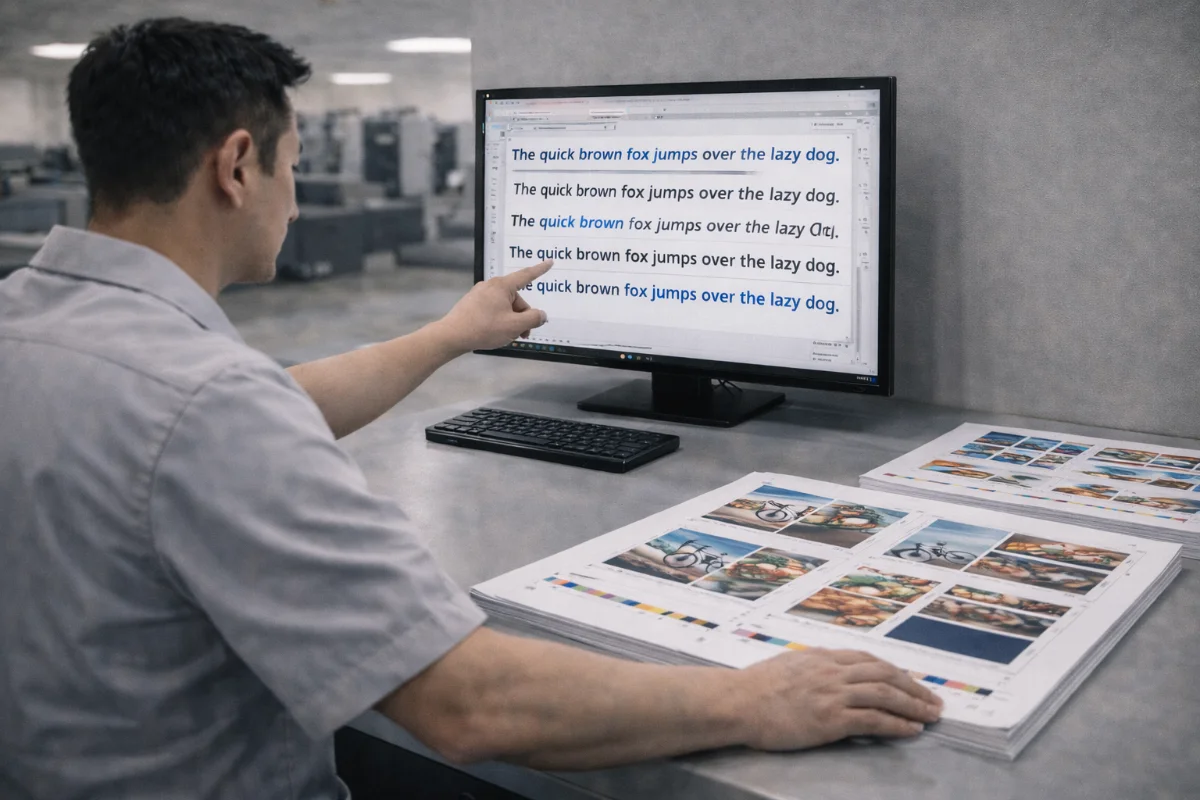
Typography issues are among the most common causes of artwork rejection in commercial printing. When fonts are missing, substituted, or rendered differently at output stage, layouts can shift, characters may reflow, and text can appear incorrect.
These problems usually occur because the production system does not have access to the fonts used in the original design file. To prevent this, designers must either embed fonts properly or convert them into outlines before submission.
Understanding the difference between these two approaches helps ensure text prints exactly as intended.
What Font Embedding Means #
Font embedding includes the font data inside the PDF or artwork file so the printer’s system can display and output the text correctly, even if the font is not installed locally.
When fonts are embedded:
-
Text remains editable in the PDF
-
Layout stays intact
-
Character shapes are preserved
-
Line breaks and spacing remain consistent
Most professional PDF export presets for print automatically embed fonts when licensing allows.
What Outlining Fonts Means #
Outlining converts text characters into vector shapes. Instead of referencing a font file, the letters become graphic objects.
When fonts are outlined:
-
No font files are required
-
Shapes print exactly as designed
-
Editing text becomes difficult or impossible
-
File size may increase slightly
Outlining is often used for logos, headlines, or decorative typography where last-minute text changes are unlikely.
When to Embed Fonts #
Embedding is generally preferred when:
-
Documents contain long bodies of text
-
Proofing cycles may involve edits
-
Multi-page publications are involved
-
Legal or technical text may change
-
Accessibility is required
Embedded fonts allow revisions without recreating large portions of the layout.
When to Outline Fonts #
Outlining is useful when:
-
Fonts cannot legally be embedded
-
Custom or experimental fonts are used
-
Logos and wordmarks are finalised
-
Files are being sent to multiple vendors
-
Typeface consistency is critical
Many printers recommend outlining logos while embedding body text.
Licensing Considerations #
Some fonts restrict embedding depending on licensing terms. If a font cannot be embedded, outlining may be the only option.
Designers should check font licensing before export to avoid unexpected substitution during output.
Risks of Outlining Everything #
While outlining prevents font errors, outlining all text has downsides:
-
Proofing changes become time-consuming
-
Typos are harder to fix
-
File complexity increases
-
Screen readers and search functions may not work
For this reason, outlining is best applied selectively rather than globally.
How to Check Font Status in a PDF #
Before uploading artwork:
-
Open the PDF in a professional viewer
-
Check the document properties
-
Review the font list
-
Confirm fonts are embedded or subset-embedded
-
Look for warnings about missing fonts
If any fonts are not embedded, the file should be re-exported.
Exporting PDFs Correctly #
When exporting from design software:
-
Use print-ready PDF presets
-
Enable font embedding
-
Avoid low-resolution exports
-
Include bleed and trim marks
-
Flatten transparency if required
These settings reduce the risk of font-related issues.
Common Font Problems in Print Production #
Typical issues include:
-
Missing fonts
-
Substitution with default typefaces
-
Text reflow
-
Incorrect special characters
-
Bold or italic styles not loading
-
Encoding errors
Most of these problems are prevented through proper embedding or outlining.
Summary #
Fonts must be embedded or outlined correctly to avoid unexpected substitutions and layout changes in print.
Embedding keeps text editable and is suitable for most documents, while outlining is best reserved for logos or finalised display text.
Checking PDFs before upload ensures typography remains consistent throughout production.


